Unit 2: Exploring Microsoft Excel
2. Excel Worksheet structure
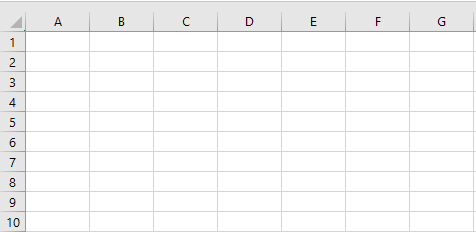
The Sheet is a set of rows and columns. It forms the same pattern as we have in math exercise books, the rectangle boxes formed by the pattern are called cells. The values can be typed in cells, and they could be numbers or letters.
Cells
A Cell in Excel is an individual box within a Worksheet/Tab and is usually used to input and hold numeric or text data. Each Cell has a name, that name comes from the Column and Row the Cell sits on.
Columns
Columns run left to right along the top of the Worksheet/Tab and are labelled according to the alphabet. Each Column is a vertical series of Cells.
Rows
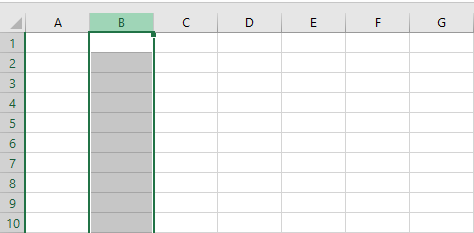
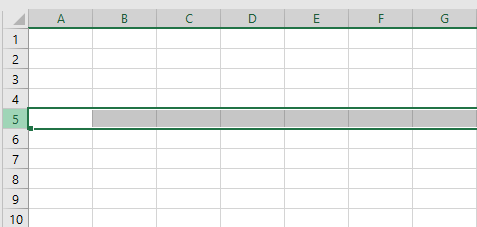
Rows are labelled along the left side of the Worksheet/Tab numerically and run down from top to bottom. Each Row is a horizontal series of Cells.
Worksheets/Tabs
Worksheets/Tabs are made up of Columns, Rows and Cells and are essentially pages of your Excel workbook. You can have multiple Worksheets/Tabs within your Excel workbook and they are a useful way to separate different types of data and information.
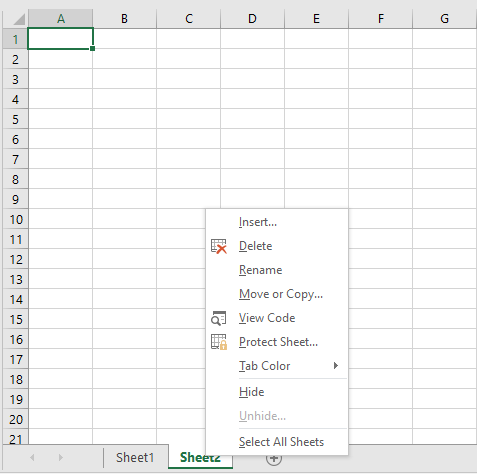
Unlike Columns, Rows and Cells, you can rename Worksheets/Tabs. By default, Worksheets/Tabs are named ‘Sheet1’, ‘Sheet2’ etc, but you can rename them and even colour code them if you wish by right-clicking on the Worksheet/Tab and selecting either ‘Rename’ or ‘Tab Color’.