EXPLORING THE COMPUTING LANDSCAPE
7. H0W TO LAUNCH MICROSOFT WORD
There are three methods in launching Microsoft word
Method 1
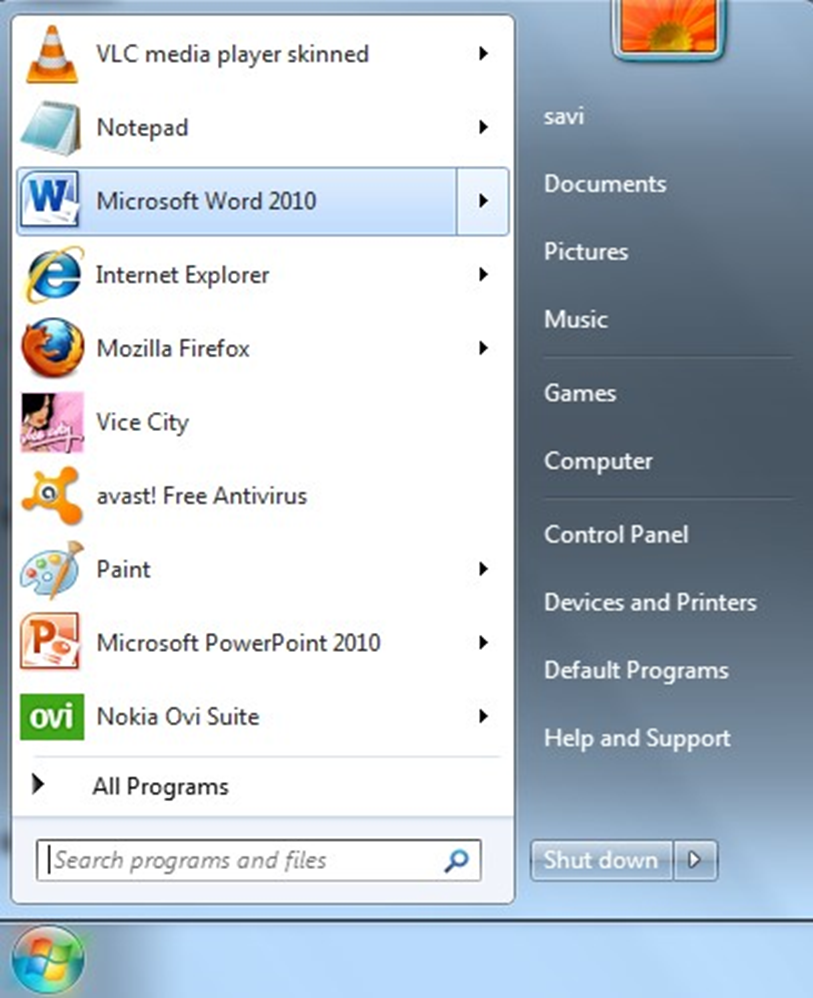
1. Take the mouse pointer to start button on the task bar. Click the left mouse button.
2. Move the pointer to programs. You will notice another menu coming up to the right.
3. In that menu identify where Microsoft word is placed. Move the cursor horizontally to come out of the programs.
Move into the rectangular area meant for the MS word. Click the left mouse button there. The computer will start MS-word.Method 2
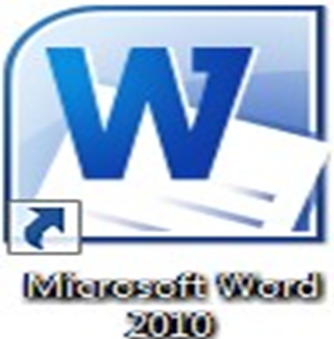
Double click on the Microsoft word icon on the desktop
Method 2
Double click on the Microsoft word icon on the desktop
Method 3
Besides these two methods other methods for opening word are:
Using Run Command.
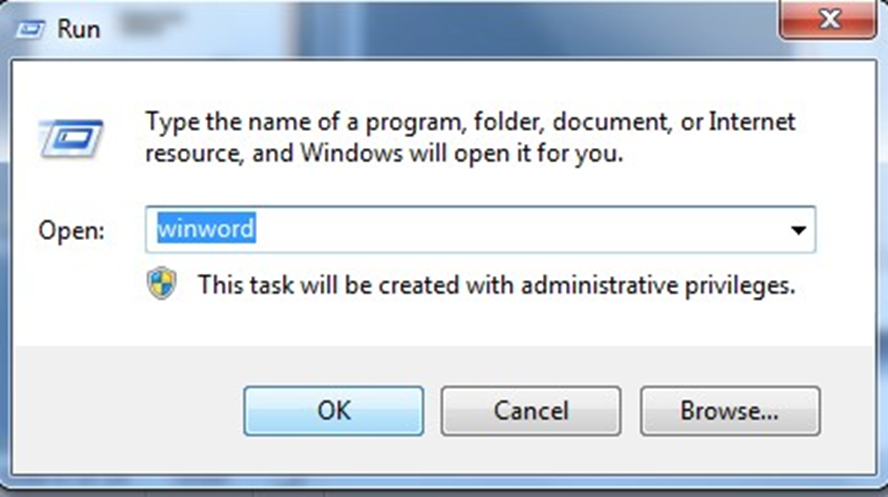
Using DOS: Specify the absolute path to open WINWORD.EXE title. After writing the absolute path the MS-Word will open up.
Microsoft word has different features. Some of the features are Opening a Document, Editing a Document, Formatting a Document, Inserting a Document, Saving a Document, Retrieving an existing Document, The office button, Menu Bar, Title Bar, Minimize button ,Maximize button, Closing a Document etc.