Module 1: Foundations of Mobile Application Development
3. Mobile Application
3.2. Web Apps
2. Web Apps
Web
apps behave similarly to native apps but are accessed via a web browser on your
mobile device. Web apps
are types of mobile apps that draw from web-based technologies. They’re
accessed through a mobile device’s web browser, so avoid any download or
install onto a device. They’re also internet-enabled which gives them added
flexibility and a more responsive design that can work on any mobile device or
operating system. They’re
not standalone apps in the sense of having to download and install code into your
device. They’re actually responsive websites that adapt its user interface to
the device the user is on. In fact, when you come across the option to
“install” a web app, it often simply bookmarks the website URL on your device.
One kind of web app is the progressive web app (PWA), which is basically a
native app running inside a browser.
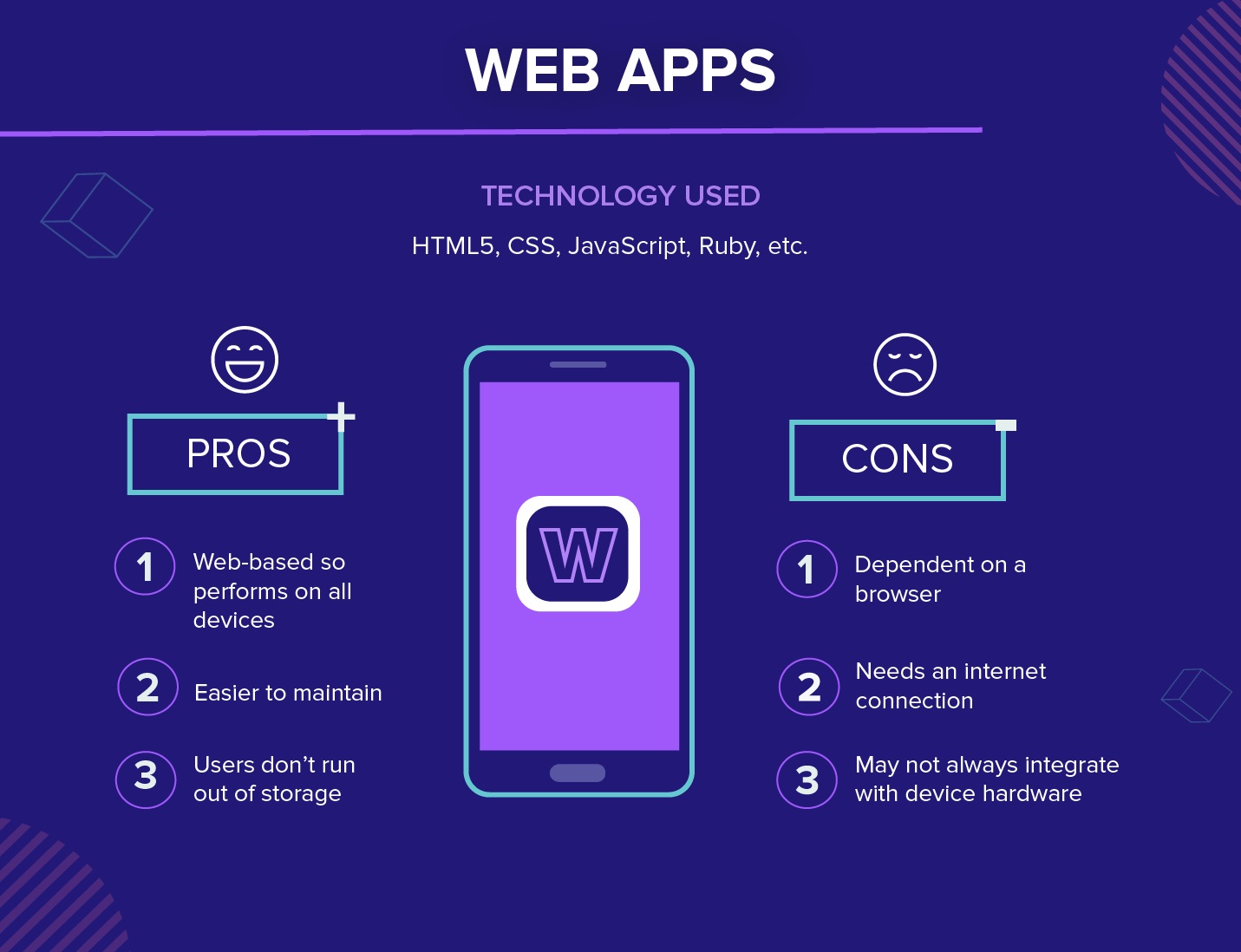
Technology Used: Web apps are
designed using HTML5, CSS, JavaScript, Ruby, and similar programming languages
used for web work.
Examples:
Web Apps
1. AliExpress
Description: E-commerce platform for buying products online.
2. BBC News
Description: News website providing global news updates.
3. Google Docs
Description: Online document editor and collaboration tool.
4. Trello
Description: Project management and collaboration tool.
5. Canva
Description: Online design and publishing tool.
6. Pixlr
Description: Web-based photo editing tool.
Pros: Because it’s web-based, there is
no need to customize to a platform or OS. This cuts down on development costs.
Plus, there’s nothing to download. They won’t take up space on your device
memory like a native app, making maintenance easier – just push the update live
over the web. Users don’t need to download the update at the app store.
Cons: But this is also pertinent: web
apps are entirely dependent on the browser used on the device. There will be
functionalities available within one browser and not available on another,
possibly giving users varying experiences.
And because they’re shells for websites, they won’t completely work offline.
Even if they have an offline mode, the device will still need an internet
connection to back up the data on your device, offer up any new data, or
refresh what’s on screen.