Module 1: Foundations of Mobile Application Development
This module introduces students to the fundamental concepts, technologies, and methodologies involved in mobile application development. It provides an overview of the mobile ecosystem, development frameworks, and key considerations for building mobile apps.
3. Mobile Application
3.3. Hybrid Apps
3. Hybrid Apps
And then there are the hybrid apps. These are web apps that look and feel like native apps. They might have a home screen app icon, responsive design, fast performance, even be able to function offline, but they’re really web apps made to look native. Hybrid Apps are built on a single platform and distributed across various app stores such as Google Play store or Apple’s app store similar to Native apps. Hybrid apps are best used when you want to build apps that do not require high-performance, full device access apps. Native apps still have an edge over hybrid apps since they are device and OS focused apps are suitable for high performance.
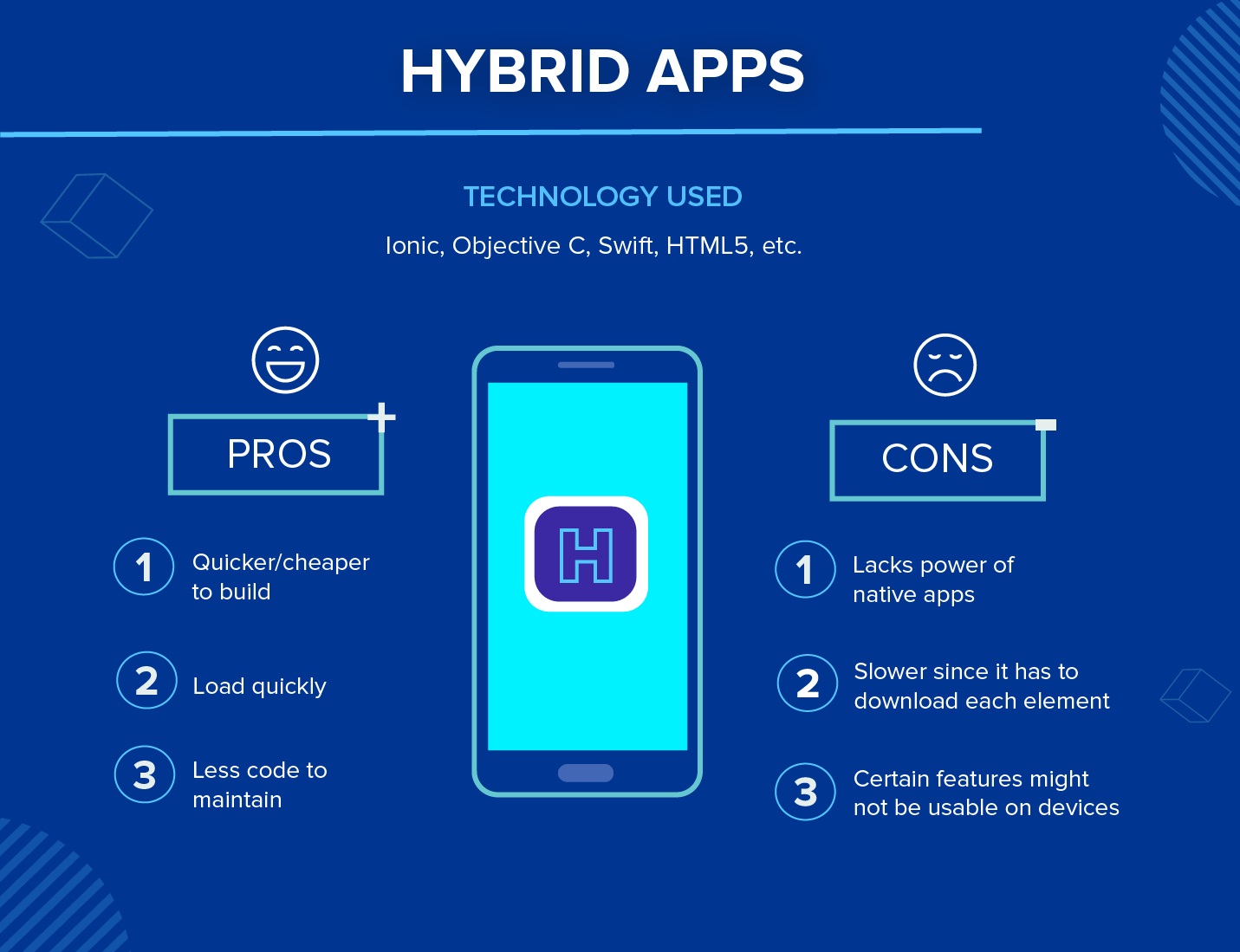
Technology Used: Hybrid apps use a mixture of web technologies and native APIs. They’re developed using: Ionic, Objective C, Swift, HTML5, and others.
Examples:
Hybrid Apps
1. Uber
-Description: Ride-sharing and transportation service.
2. Twitter
Description: Social networking service for sharing short messages.
3. Airbnb
-Description: Platform for booking accommodations.
4. Ionic Framework Showcase
Description: Various apps developed using the Ionic framework.
5. Evernote
Description: Note-taking and organization app.
6. Instagram
Description: Initially native, now partly hybrid to enhance development efficiency across platforms.
Pros: Building a hybrid app is much quicker and more economical than a native app. As such, a hybrid app can be the minimum viable product – a way to prove the viability of building a native app. They also load rapidly, are ideal for usage in countries with slower internet connections, and give users a consistent user experience. Finally, because they use a single code base, there is much less code to maintain.
Cons: Hybrid apps might lack in power and speed, which are hallmarks of native apps.